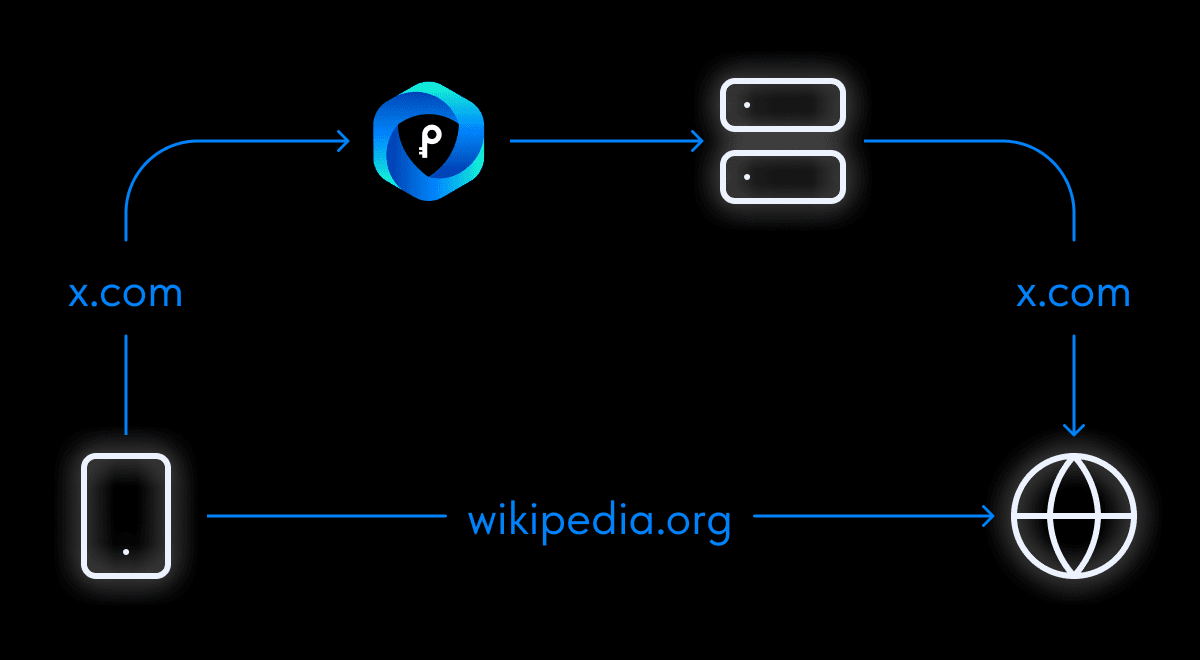
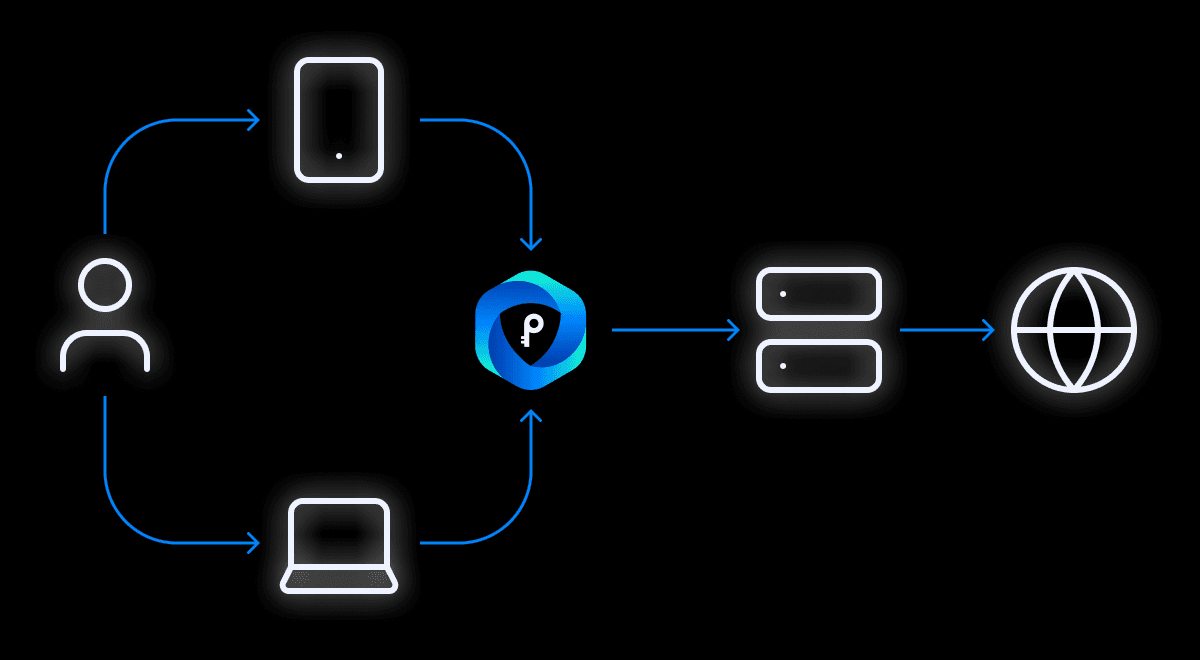
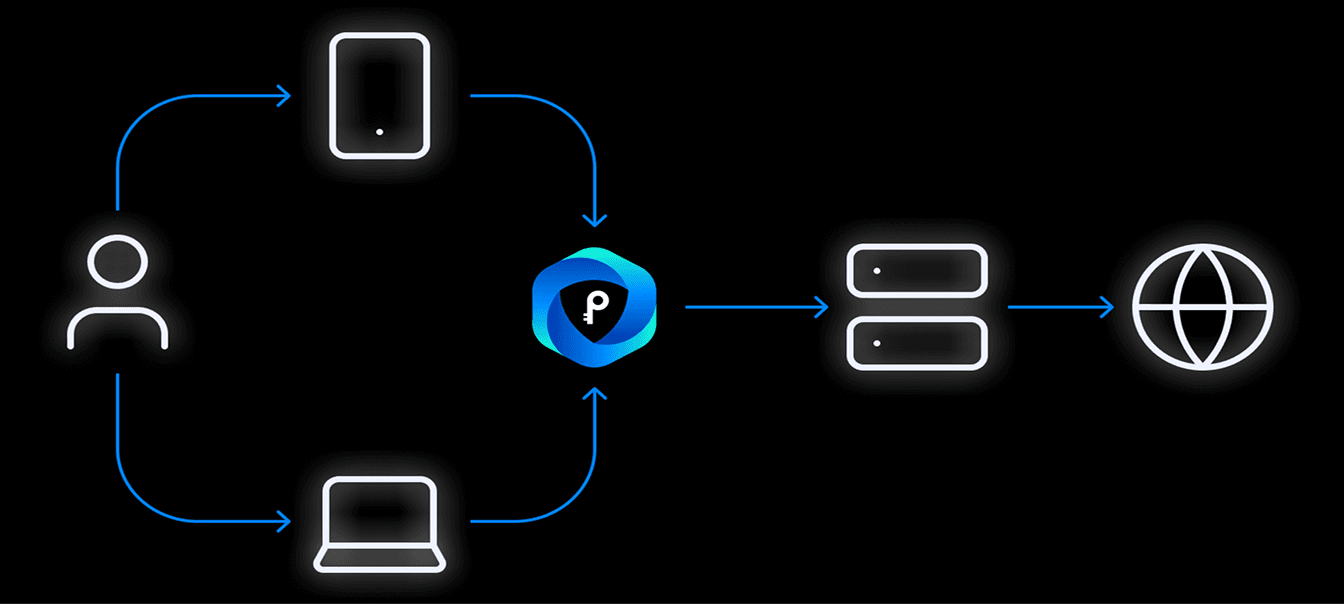
How a VPN works
Your traffic is protected and rerouted
- Data is encrypted on your device
- Your IP address is replaced with the server's
- Access to every website in the world
Protection and speed wherever you need them
Your traffic is protected and rerouted
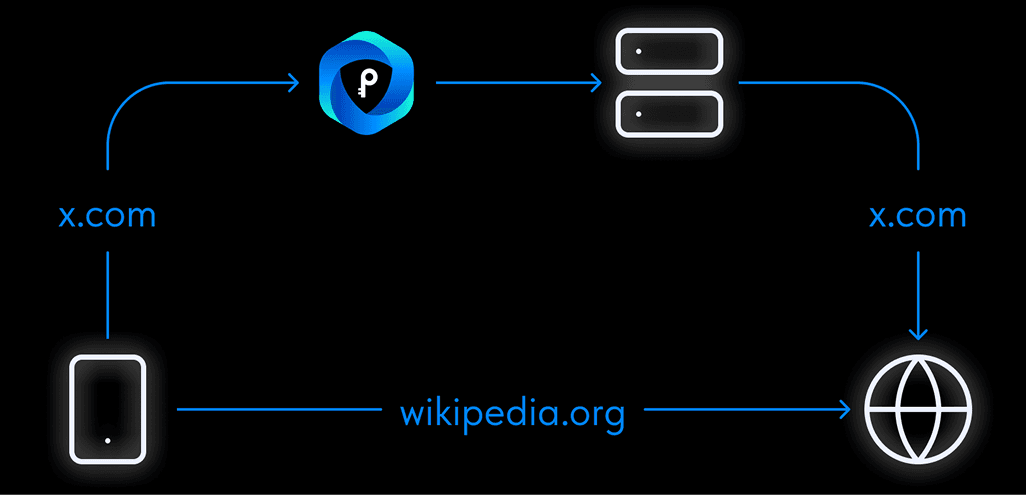
Choose which sites open through the VPN and which don't
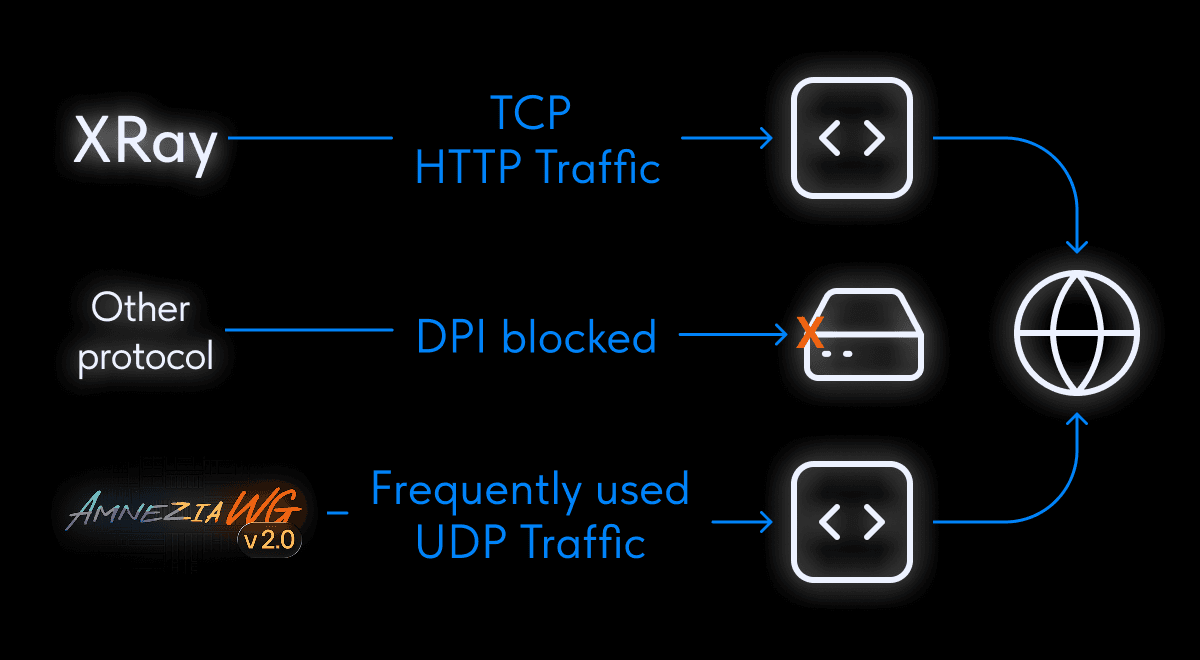
A stable connection in any country
Connecting to public Wi-Fi in cafés, hotels, and airports can be unsafe
Internet providers and third-party services can monitor your activity online
Staying private online is much harder without extra protection
Ad and analytics platforms collect data about your every move online
Using a VPN reduces risks when working over vulnerable or open networks
What currencies can I pay in?
The easiest way to pay for PrimaVPN is with a ruble card from any Russian bank or via SBP. You can also pay with cryptocurrency or with an international card through Stripe.
I paid for the subscription on the website — what's next?
If you got your trial through the app and followed the renewal link, just keep using your VPN subscription as before after payment. If you didn't have a trial and bought a key on the website for the first time, download the PrimaVPN app for your device, copy the key from the email, tap "I already have a key" on the first screen, and paste it on the app's home screen.
How do I share my subscription with other devices?
Open the PrimaVPN app on a connected device. Go to "Subscription Management" and find your access key. Install the app on the new device. During activation, tap "I already have a key" and enter the required details, or enter them in the "Subscription Management" section.